
Angel Hair
20 mm / 270° / 10 px/m / 100 mm pitch / 21 W/m / IP68
The fine line. Reads round from most angles.
 Back to noodles.tech
Design kit / Free download
GDTF fixtures, 3D models and visualizer settings for every Noodles size. Drop them into Vectorworks, Capture, grandMA3 or any GDTF app and patch exactly what will hang.
20 mm / 270° / 10 px/m / 100 mm pitch / 21 W/m / IP68
The fine line. Reads round from most angles.
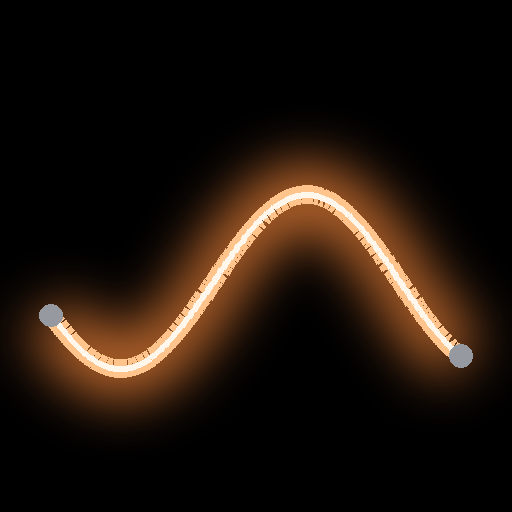
22 mm / 360° / 16 px/m / 62.5 mm pitch / 40 W/m / IP67
The house strand. Bends down to a 2 in radius.
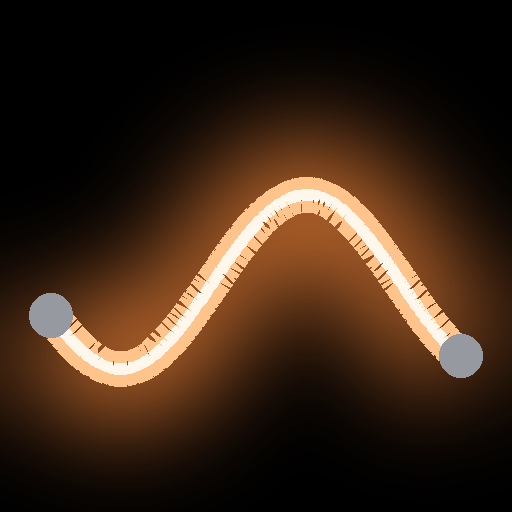
40 mm / 360° / 10 px/m / 100 mm pitch / 28.8 W/m / IP65
The big gesture. Thick, bold, built for scale.
The GDTF draws a straight run. For curves, swags and outlines sweep the 3D rope along your line (below), and keep the GDTF for patch paperwork.
Every kit has STEP (mm), OBJ (mm) and GLB (m) straight runs at 1, 3, 5 and 10 m with steel end caps. In Vectorworks, File > Import > Import STEP. To bend a run, use Extrude Along Path with a circle at the rope diameter.
Capture 2026.1 and newer has a bendable, pixel-mapped LED Strip fixture, which is the best match for Noodles. Shape it with the Bézier nodes (Split adds more), then use these settings:
| Size | Pixel pitch | Channel layout | Depth | 10 m run |
|---|---|---|---|---|
| Angel Hair | 100 mm | R, G, B | 8-bit | 100 px / 300 ch |
| Spaghetti | 62.5 mm | R, G, B | 8-bit | 160 px / 480 ch |
| Bucatini | 100 mm | R, G, B | 8-bit | 100 px / 300 ch |
Need the tube itself in the scene? Import the GLB or OBJ from the kit.
grandMA3, Depence, Blender DMX and other GDTF apps: import the same .gdtf and pick the mode for the run length.
SketchUp, Cinema 4D, Unreal, AutoCAD: use the OBJ, GLB or STEP straight runs.
| Run | Pixels | Channels | Universes | Power |
|---|---|---|---|---|
| Angel Hair 3 m | 30 | 90 | 1 | 63 W |
| Angel Hair 5 m | 50 | 150 | 1 | 105 W |
| Angel Hair 10 m | 100 | 300 | 1 | 210 W |
| Spaghetti 3 m | 48 | 144 | 1 | 120 W |
| Spaghetti 5 m | 80 | 240 | 1 | 200 W |
| Spaghetti 10 m | 160 | 480 | 1 | 400 W |
| Bucatini 3 m | 30 | 90 | 1 | 86.4 W |
| Bucatini 5 m | 50 | 150 | 1 | 144 W |
| Bucatini 10 m | 100 | 300 | 1 | 288 W |
All sizes: 24 VDC WS2811, sACN / Art-Net / DMX, 10 m max run, steel end caps. Pixel counts always round up.
Questions or a custom length? [email protected]